Comparison
TL;DR
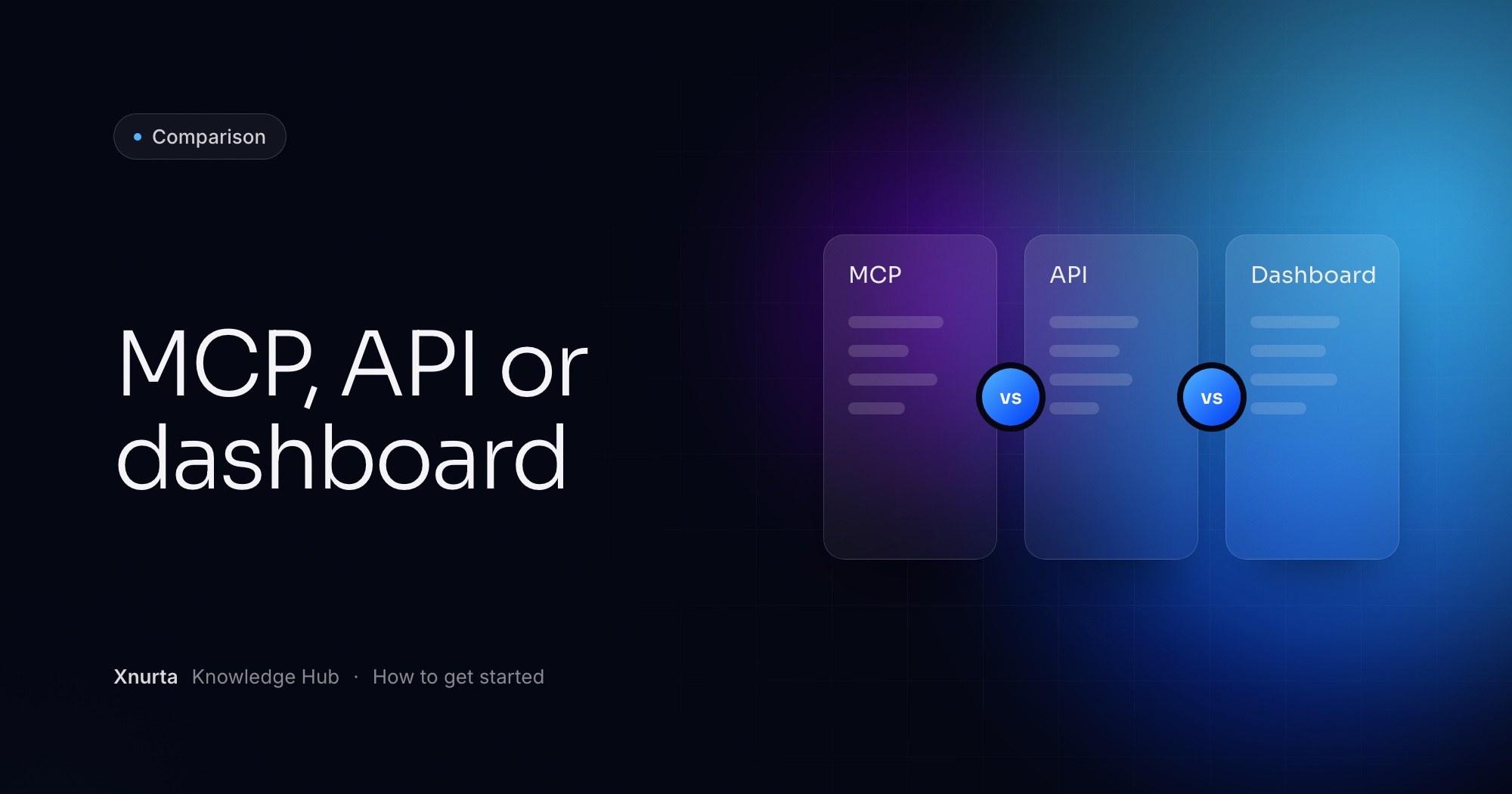
Use the dashboard in the Xnurta app when you want to look at one account and click, build a direct API integration when your developers need ad data inside their own software, and use Xnurta MCP when you want to ask questions in plain language from Claude or ChatGPT. This guide is for Amazon advertisers and agency teams who already use an AI assistant for ad analysis and are deciding how far to take it. The three are not rivals, because MCP does not replace APIs, it standardizes them for AI.
A dashboard is a screen you click through, an API is a doorway developers write code against, and MCP is the standard that lets an AI assistant use that doorway directly. Xnurta MCP connects Claude, ChatGPT and other MCP clients to your Xnurta data.
Think of an API as a waiter who only takes orders from developers and software. You never walk into the kitchen. And what comes back is raw ingredients, not a finished dish, because an API was never designed for an AI to talk to directly.
Here is why that matters. Wire 3 AI assistants to 3 systems the old way and you build 9 custom connections, one for every pair, each its own project to maintain. MCP collapses that to one connector per system. The capabilities underneath are the same ones an API exposes. MCP packages them as tools any assistant can pick up.
They differ on who does the work, what comes back and what it takes to set up. The table below keeps to what we can state for Xnurta and stays general about APIs, because what an API offers depends on whose it is.
| Dashboard in the Xnurta app | Direct API integration | Xnurta MCP in Claude or ChatGPT | |
|---|---|---|---|
| Who runs it | Anyone with an Xnurta login | Developers, or software they write | Anyone with an Xnurta login and an MCP client |
| How you ask | Click through screens and filters | Write requests in code | Type a question in plain language |
| What comes back | Screens and reports in the app | Raw results your code must turn into answers | An answer in the chat, shaped by your question |
| Setup | Sign in | A custom build per connection, and another for each new assistant | One connector at mcp.xnurta.com/mcp, then sign in with your own Xnurta login |
| Your own margins and goals | The platform alone cannot calculate questions that need them | You write the code that joins them to the ad data | Hand them to the assistant next to the ad data |
| Making changes | The platform's own screens, including brand, non-brand and competitor mode and the word-list features that MCP cannot write | Whatever your developers build | With write access on: AI managed groups, ad edits and Sponsored Products campaign creation, each with its own permission scope |
| Best for | Checking one account or acting on one thing | Putting ad data inside software you own | Analysis and routine work by conversation, with your own data in the mix |
The dashboard is right when you want to look at an account, check a number or act on one thing, and the question needs nothing the platform does not already hold. The dashboard also keeps work that MCP cannot touch. Brand, non-brand and competitor mode, and every word-list feature, are platform UI only. You cannot write them through MCP, so those jobs stay in the app.
Where it runs out of road is the question that needs your numbers. "Based on true margin, which campaigns are losing money?" needs margin data the platform alone cannot calculate with. Weekly reports and diagnostics used to mean stitching together many dashboards, with inconsistent definitions and a workflow nobody could reuse. That is the gap a skill closes, and we get to it below.
A direct integration makes sense when your developers need ad data inside software you own, and you are willing to build and maintain every connection yourself. This guide stays general here on purpose. What an API offers depends on whose it is, so read that provider's own documentation before you plan around it.
Three things hold for any custom build. It is built by developers, because an API only takes orders from developers and software. It returns raw results, so someone has to write the part that turns them into an answer. And each connection is its own project, so adding a second assistant means a second build.
If your team wants to ask questions and get answers, an API alone gives you plumbing and no assistant. If your team wants a product, a data pipeline or a client-facing tool built around ad data, an API is the right base.
Xnurta MCP fits when the people asking are advertisers rather than developers, and when the answer needs your own numbers. You add one connector, https://mcp.xnurta.com/mcp, sign in with your own Xnurta login, and the assistant sees only the ad accounts and permissions that login carries, main accounts and sub-accounts included.
Three query tools sit behind your questions: ads performance, entity metadata and the operation log. Queries are read only. They reach back about 15 months across 22 marketplaces. Data is daily by default, hourly for Sponsored Products, Sponsored Brands and Sponsored Display campaigns and for Sponsored Products keywords, and it follows the platform's update cadence, so it is current to the last refresh and not to the second.
The math question is the clearest case. Give the assistant your margins and it joins them to ad data.
Prompt: which campaigns lose money at true margin
Here is the unit margin for each ASIN in [product line]: [paste your data]. For ad account [account name], pull the last [30] days of campaign spend and sales. Based on actual margin, which campaigns are losing money, and should I cut them or raise their budgets? Read only, change nothing.
Skills make the routine repeatable. Say "Give me last week's ads report" and the Weekly Ads Report skill produces week-over-week KPIs, 7-day trends, top movers and next-week action suggestions. A skill captures the proven way of doing the task, so your whole organization can use the same method. How an SOP becomes something an AI assistant can run covers the rest.
It can, but only if write access is on for your Xnurta account, and it never changes money, bids or archive status without showing you first. Reading changes nothing. Writing comes in three kinds: AI managed groups, edits to ads and campaigns, and creating Sponsored Products campaigns. Each kind has its own permission scope, so a scope that edits ads does not necessarily create campaigns.
The access rule
Generally available from 27 Oct for Sponsored Ads. Write access is turned on per account by your CSM.
For money, bids and archiving, the assistant returns a preview first: which objects, and from which value to which value. It submits only after you confirm. Archiving cannot be undone, and campaigns cannot be deleted, only archived. So create new campaigns paused, review them, then switch them on. Creation is atomic: if any campaign in a request fails validation, none is created.
To see what happened afterward, ask the operation log. It holds human and AI actions on campaigns, ad groups, targets, bids, budgets and managed groups, and you can filter by operator: the AI, a human, an automation rule or one person's email. Who changed my Amazon campaign? shows how.
A custom API build works differently. Any preview step before a change is something your developers have to design and maintain.
No. The three do different jobs. Keep the dashboard for the brand, non-brand and competitor settings that only the app writes. Use an API where software needs the data. Use Xnurta MCP when a person wants to ask, compare, combine or act in plain language.
Because MCP standardizes the same capabilities for AI, the same connector serves every compatible client. Claude, Claude Code, ChatGPT Codex, Cherry Studio, WorkBuddy and other MCP clients all use the address above. Your access follows your Xnurta login in each. For a closer look at how a chat layer on a dashboard differs from an assistant that acts, read Chat-on-a-dashboard vs an AI assistant that can act.
Start read only. Connect, check the connection, then ask one real question about one ad account. In Claude desktop, Cowork and claude.ai you add a custom connector and sign in through your browser, with no code and no token. In Claude Code or ChatGPT Codex you send one prompt that points at the Xnurta skills repository on GitHub.
To check it worked, ask the assistant to call get_user_authorized_context. It returns your user ID and the ad accounts you are authorized to see. Connect Claude or ChatGPT to Xnurta MCP walks through every client. Once you want the AI to change things, Read-only vs read-write MCP for Amazon advertisers explains which access to ask your CSM for.
FAQ
No. MCP does not replace APIs, it standardizes them for AI. An API is how a system opens up its capabilities, and MCP turns those capabilities into tools any AI can use directly.
No. In Claude desktop, Cowork and claude.ai you add a custom connector and sign in with your Xnurta login. Claude Code and ChatGPT Codex take one prompt that configures MCP for you.
Only if write access is on for your Xnurta account. Reading never changes anything, and changes to money, bids or archiving show a preview and wait for your confirmation.
Yes, and for some work you have to. Brand, non-brand and competitor mode and all word-list features are platform UI only, so MCP cannot write them.
Claude, Claude Code, ChatGPT Codex, Cherry Studio, WorkBuddy and other MCP-compatible clients. All use the same address, https://mcp.xnurta.com/mcp.
Keep going
Xnurta MCP
Xnurta MCP is for Xnurta customers only. Create your MCP connection directly in the Xnurta platform. New to Xnurta? Book a demo and we'll walk through your account with you.