Comparison

TL;DR
A chat box on a dashboard answers questions about the data on that screen. An assistant that acts, such as Xnurta MCP in Claude or ChatGPT, can also change your account, so the comparison that matters is how safe each change is. This guide is for Amazon advertisers who run bids, budgets and search terms every week and want to know what to check before an AI touches a live account.
A chat box on a dashboard answers questions about what the dashboard already shows. An assistant that acts is an AI model you already use, such as Claude or ChatGPT, connected to your ad account so it can read the data and, if you allow it, change the account. Xnurta MCP connects Claude, ChatGPT and other MCP clients to your Xnurta data. That is the second kind.
The gap is not intelligence. Both can write a decent summary of last week. The gap is what happens after you say "do it."
| Question | Chat box on a dashboard | Assistant that acts |
|---|---|---|
| What is its job? | Answer questions about the data on that screen | Answer questions, then make the changes you approve |
| Where does it live? | Inside one product | In the assistant you already use, connected to your account |
| What is the worst case? | A wrong answer | A wrong change to live budgets, bids or campaigns |
| What must you check? | Whether the numbers are right | Everything on the safety list below |
Five things: separate write permissions, a preview before money moves, an honest rule about what cannot be undone, a log of what happened, and a way to say no. If a tool that can change your account cannot show you all five, keep it read only. The table is a checklist you can hold any vendor to, and the right-hand column shows how Xnurta MCP answers each line.
| Check | What good looks like | How Xnurta MCP answers |
|---|---|---|
| Separate permissions | Each kind of write has its own switch | Three kinds of write, each with its own permission scope |
| Preview first | You see the objects and the old and new values before anything runs | Money, bids and archiving return a preview, then run only after you confirm |
| Irreversible actions named | The tool says which actions cannot be undone | Archiving is irreversible, and campaigns cannot be deleted |
| A log you can query | Human and AI actions in one place, filterable | An operation log of human and AI actions, queryable from the same chat |
| A way to say no | Nothing runs until you approve it | Money, bids and archiving wait for your confirmation. Write access is also switched on per account |
It splits writing into three kinds, and each kind has its own permission scope. The kinds are managed group management, ad-entity editing, and Sponsored Products campaign creation. A scope that edits ads does not necessarily create campaigns.
That separation is the first thing to look for in any tool that acts. One broad "write" switch means a token meant for a small bid tweak can also build new campaigns. Separate scopes mean you grant what the job needs and nothing else.
| Kind of write | What it covers |
|---|---|
| Managed group management | Create, edit and delete AI managed groups, including AI status, personality, goal, target ACOS and campaign membership |
| Ad-entity editing | Campaign state, budget and bidding strategy, products, negatives, placement and audience bid adjustments, keyword and product targets with state and bid |
| Campaign creation | Sponsored Products campaigns with ad groups, products, targeting, negatives and placement bid adjustments, created in one atomic request |
Atomic means all or nothing. If one campaign in a request fails validation, none of them are created, so you never end up with a half-built account.
It shows which objects will change and from what value to what value, and nothing runs until you confirm. This applies to anything involving money, bids or archiving. The assistant does not get to skip it.
Here is what that looks like in practice. You ask for a budget raise. The assistant lists each campaign, its current daily budget and the new one. You read the list. You say yes, or you decline. Only then does it submit.
You can also ask for the same discipline on every kind of write. Tell the assistant to list the objects and the exact values it plans to change, and to wait for your confirmation. That works for managed group changes, new keywords and negatives too.
Prompt: preview a budget change before it runs
In ad account [account name], raise the daily budget on campaigns [campaign A], [campaign B] and [campaign C] by 10%. Before you change anything, show each campaign with its current budget and the new budget. Do not submit until I confirm.
Because archiving cannot be undone, and in Xnurta MCP there is no way back. Deleting an AI managed group archives it, and that is irreversible. Campaigns cannot be deleted at all. They can only be archived, and that is irreversible too.
So the rule is simple: if you want spending to stop for now, pause. Archive only when you mean it. When you create campaigns, you choose the state they start in, so create them paused if you want to review before they spend.
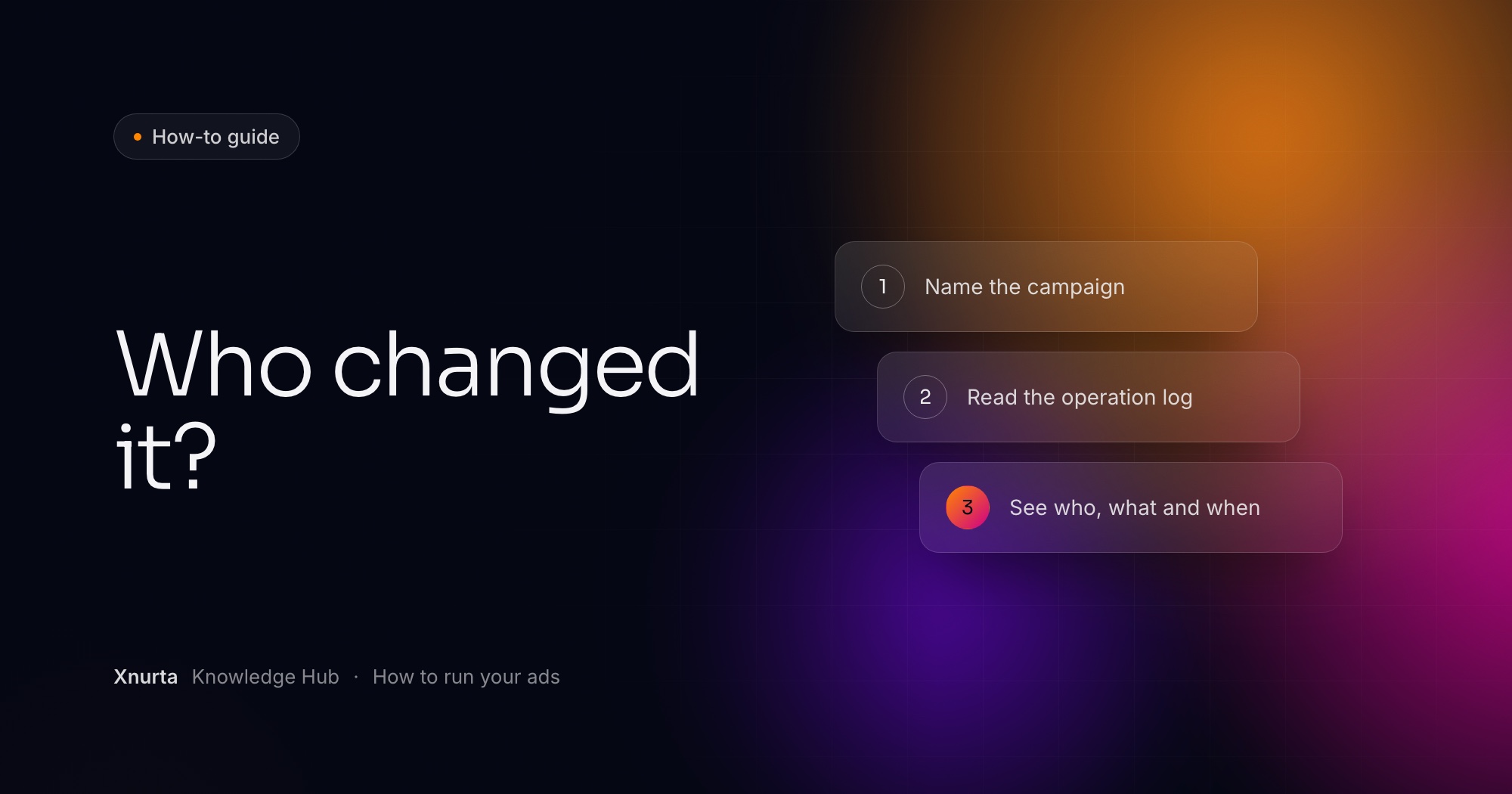
In the operation log, which you can query from the same chat. It holds human and AI actions on campaigns, ad groups, targets, bids, budgets and managed groups. You can filter by operator (the AI, a human, an automation rule or one person's email), by action type, by entity type and by time window, and the log reaches back about 15 months. Reading it is read only.
A dashboard with a chat box might show you a number that moved. A log answers the follow-up: who moved it, and when? Xnurta ships an official skill for this, Amazon Ads Operation Log Query, and the full walk-through is in Who changed my Amazon campaign?.
Prompt: audit the last 30 days
In ad account [account name], who changed campaign [campaign name or ID]'s budget, and when? List all human actions from the last [30] days.
You control it at four points: access, scope, the preview and the pause button. None of them depends on trusting the AI to behave.
The access rule
Generally available from 27 Oct for Sponsored Ads. Write access is turned on per account by your CSM.
Your access also follows your own Xnurta login. You see only the ad accounts and permissions that login carries, main accounts and sub-accounts included. Read-only vs read-write MCP for Amazon advertisers explains which kind of access to start with.
Choose by the job. If you only want answers, either kind can do it, and with Xnurta MCP the reading side is read only, so starting there does not change your account. If you want the assistant to carry out the work you currently do by hand in the console, you need the second kind, and then the five checks above decide whether you can trust it.
A practical way to start: connect, ask questions for a week, then turn on writing for one narrow job, such as budget changes on a few campaigns, and read every preview. The endpoint for Claude, ChatGPT and other MCP clients is https://mcp.xnurta.com/mcp, and Connect Claude or ChatGPT to Xnurta MCP has the steps. For how this compares with working through an API or a dashboard alone, see MCP vs API vs dashboard for retail media teams.
FAQ
That depends on the tool, so ask the vendor directly which writes it supports and what each one needs. With Xnurta MCP, changes require write access, which is turned on per account by your CSM.
It means an AI assistant, such as Claude or ChatGPT, that is connected to your ad account and can make approved changes as well as answer questions. Xnurta MCP is one way to connect it.
Not for money, bids or archiving. Those return a preview of the objects and the old and new values, and they run only after you confirm.
No. Archiving is irreversible, and deleting an AI managed group archives it. Pause instead if you only want something to stop.
Yes. The Xnurta operation log holds human and AI actions on campaigns, ad groups, targets, bids, budgets and managed groups, and you can query it from the same chat.
Keep going
Xnurta MCP
Xnurta MCP is for Xnurta customers only. Create your MCP connection directly in the Xnurta platform. New to Xnurta? Book a demo and we'll walk through your account with you.