Comparison
TL;DR
Xnurta MCP only reads until write access is turned on for your account. After that it can edit your campaigns, manage AI managed groups and create Sponsored Products campaigns, and anything involving money, bids or archiving waits for your confirmation. This guide is for marketers who already run Claude or ChatGPT on live Sponsored Ads data, and for the operators who own bids and budgets every week, and want to know what the AI can touch before they allow it.
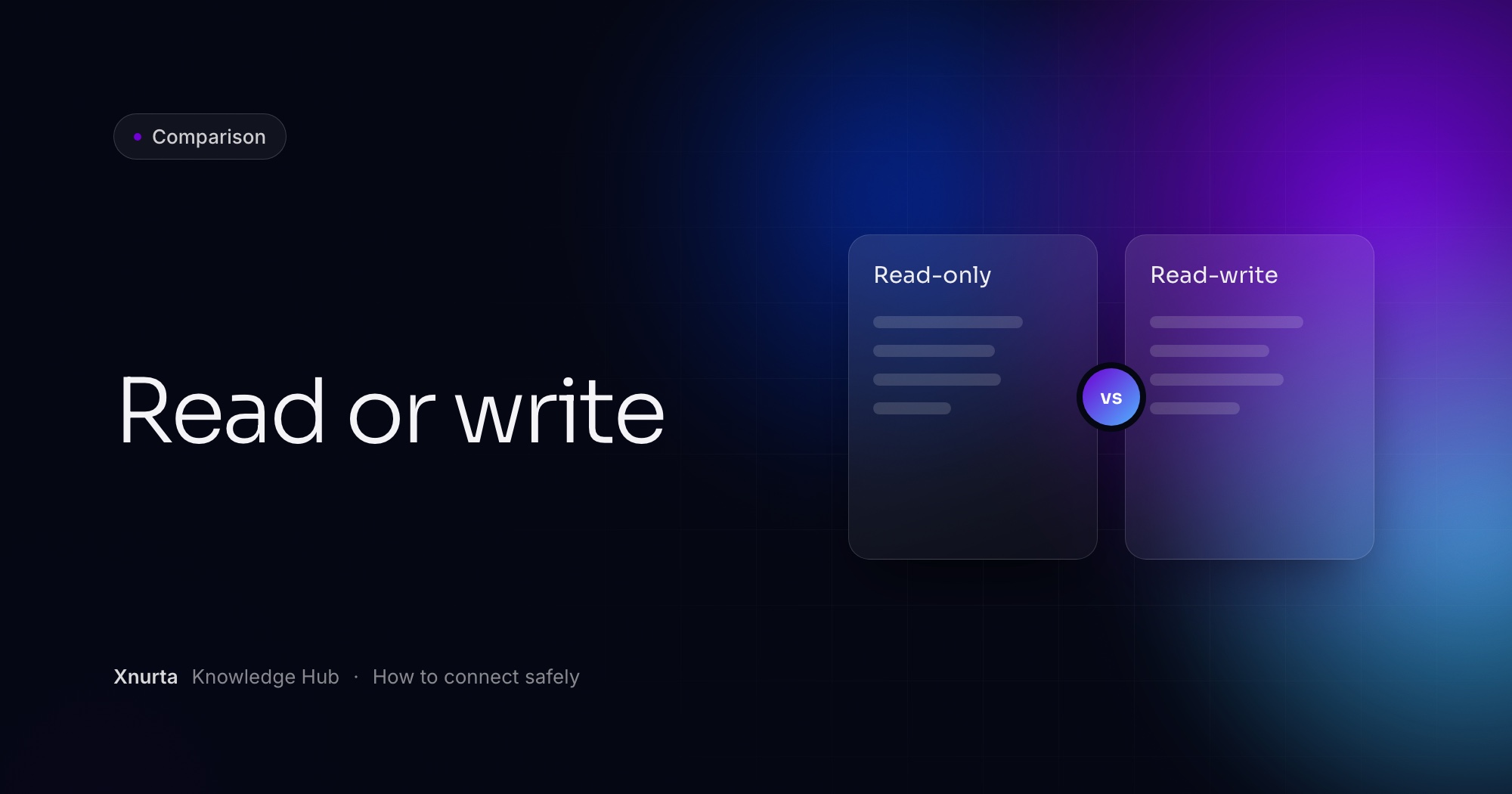
Read-only means the assistant can look at your ad account and never change it. Read-write means it can also act. In Xnurta MCP the line is easy to draw, because queries only read and writes change your account.
Three query tools read ads performance, entity metadata and the operation log. A budget edit, a managed group change or a new campaign is a write. Xnurta MCP connects Claude, ChatGPT and other MCP clients to your Xnurta data, and which side of the line you stand on depends on whether write access is on for your account.
| Read (queries) | Write | |
|---|---|---|
| What it does | Reads ads performance, entity settings and the operation log | Manages AI managed groups, edits ad entities, creates SP campaigns |
| Can it change your account? | Never | Yes, within the permission scope you granted |
| What waits for your confirmation | Nothing, because nothing changes | Money, bids and archiving return a preview first and submit only after you confirm |
| Who turns it on | You connect with your own Xnurta login and see only the ad accounts it carries | Your CSM turns write access on per account |
| Typical work | Reports, diagnosis, who changed what | Budget moves, bid edits, negatives, managed group setup, new campaigns |
Read-only has a ceiling. The AI can tell you which negatives to add and which budgets to raise, and then a person still makes each change in Xnurta. Write access closes that gap, which is why it needs its own rules.
Yes, once write access is on for your account. Until then it reads and cannot change anything. Xnurta MCP can edit existing campaigns, manage AI managed groups and create new Sponsored Products campaigns, and your CSM decides when that switch flips.
The access rule
Generally available from 27 Oct for Sponsored Ads. Write access is turned on per account by your CSM.
Two limits are worth knowing now. Campaign creation covers Sponsored Products campaigns. And a campaign can never be deleted through MCP, only archived, which is permanent.
They are managed group management, ad-entity editing and SP campaign creation. Each kind has its own permission scope, so a scope that edits ads does not necessarily create campaigns.
| Kind of write | What it can change | What to know |
|---|---|---|
| Managed group management | Create, edit and delete AI managed groups. Settable: name, AI status, personality, goal, target ACOS, total budget, campaign markers and membership, action space on or off, schedule, template. | Deleting a managed group archives it, and that is irreversible. Brand, non-brand and competitor mode, and all word-list features, stay in the Xnurta platform. Official skills: Create AI Managed Group, Edit AI Managed Group, Delete AI Managed Group. |
| Ad-entity editing | Campaign state, budget and bidding strategy. Products and negatives. Placement and audience bid adjustments. Keyword and product targets, with state and bid. | Money, bids and archiving show a preview first. Official skill: Amazon SA Ads Edit Tool. |
| SP campaign creation | New SP campaigns with ad groups, products, targeting, negatives, placement bid adjustments and an optional AMC audience, in one request. | Creation is atomic. If any campaign in the request fails validation, none are created. Official skill: Amazon SA Campaign Creation. |
Bulk changes to managed groups are supported, but some changes may be skipped while AI is running on a group, so check the result if it matters.
Keep each connection as narrow as the job allows. With a token, open MCP & Skill in Xnurta, click New token and choose the scope. Copy the token once, because it cannot be viewed again.
With OAuth you sign in with your own Xnurta login and review the requested permissions before you approve. You see only the ad accounts that login carries, main accounts and sub-accounts included. The endpoint is https://mcp.xnurta.com/mcp, and Connect Claude or ChatGPT to Xnurta MCP walks through every client.
One more control sits outside your hands: write access itself. Your CSM turns it on for the account, per the access rule above, so it is a deliberate step and never a default.
For money, bids and archiving, the assistant returns a preview first. The preview names the objects and shows each change from the old value to the new one. It submits only after you confirm.
For other writes, such as managed group changes, ask for the same thing: tell the assistant to list the objects and exact values it plans to change, then confirm. You can bake that into the prompt.
Prompt: preview a budget change (ad-entity editing)
In ad account [account name], raise the daily budget on these [3] SP campaigns by [10]%: [campaign names]. List each campaign with its current budget and the new budget, and wait for my confirmation before you submit anything.
Prompt: preview a managed group change (managed group management)
For managed group [group name], I want target ACOS at [target]%. First show me the group, its campaign list, the AI status, the action space and the change you plan to make. Do not submit until I say yes.
Prompt: build a campaign you can review (SP campaign creation)
Create a paused SP auto campaign for these [5] ASINs with a [daily budget] daily budget, and show me the full structure before you submit it.
The first prompt needs ad-entity editing, the second managed group management, the third SP campaign creation. Campaigns are created in the state you ask for, so ask for paused if you want to look before anything spends.
You change it again, you switch the AI off, or you pause. What you cannot do is un-archive. Archiving is irreversible, and deleting a managed group archives it. If you only want a campaign to stop for a while, pause it.
Budgets, bids and states are ordinary edits, so a wrong value is fixed with another request and another preview. For a managed group, AI status is one of the settings you can write, so turning AI off is a request like any other. To see what happened, query the operation log, which holds human and AI actions on campaigns, ad groups, targets, bids, budgets and managed groups. Who changed my Amazon campaign? shows the prompts.
Match the task to the narrowest kind of access that covers it. Reports and audits need no write at all.
| Task | Access it needs |
|---|---|
| Weekly or monthly ads report (Weekly Ads Report, Monthly Ads Report) | Read only |
| Search-term review (Search Term Traffic Diagnosis) | Read only |
| "Who changed this budget?" (Amazon Ads Operation Log Query) | Read only |
| Add negatives from that review, or raise budgets on capped campaigns | Ad-entity editing |
| Set a new target ACOS for a managed group | Managed group management |
| Build paused campaigns for new products | SP campaign creation |
Remove the Xnurta connector and add it again. Signing in again on the old connector keeps the old permissions, so the new scope never arrives. Then update your skills in a new chat, because adding a connector never touches them.
If you use a token, create a new one with a scope that includes what you need, and disable the old token once the new one works. Then run get_user_authorized_context to confirm the connection. A 401 with OAuth means the authorization expired or lacks the new scope, and the fix is the same: disconnect and reconnect.
Start with reading, and add one kind of write at a time. This order is a suggestion, not a product rule.
An agency and a team of one will land in different places, and each kind of write has its own scope, so you can stop at the kind you need. For the data-handling side of connecting, read Is it safe to connect Amazon Ads to ChatGPT or Claude?, and for bulk work once you have write access, Edit Amazon campaigns in bulk through an AI assistant.
FAQ
Yes, once write access is turned on for your account by your CSM. Writing comes in three kinds: managed group management, ad-entity editing and SP campaign creation.
No. Queries on ads performance, entity settings and the operation log are read only.
Not for money, bids or archiving. The assistant returns a preview of the objects and the old and new values, and submits only after you confirm. For other writes, ask it to list what it will change before it executes.
No. Archiving is irreversible, deleting a managed group archives it, and campaigns cannot be deleted at all. Pause a campaign if you only want it to stop.
Not necessarily. Each kind of write has its own permission scope, so create the token with the scope the job needs.
Keep going
Xnurta MCP
Xnurta MCP is for Xnurta customers only. Create your MCP connection directly in the Xnurta platform. New to Xnurta? Book a demo and we'll walk through your account with you.