How-to guide
TL;DR
To find out who changed an Amazon campaign, connect Xnurta MCP to Claude or ChatGPT and ask for the campaign's operation log. The log records human and AI actions on campaigns, ad groups, targets, bids, budgets and managed groups, so you can see whether a person, the AI or an automation rule made the change. This guide is for Amazon advertisers and agency teams who need an answer before the next budget meeting, and asking changes nothing in your account.
The Xnurta operation log can, and Xnurta MCP lets you ask it in plain language from Claude or ChatGPT. It is Monday morning. A campaign's daily budget dropped sometime over the weekend and nobody owns up. You do not open a report and filter by hand. You ask.
The log holds human and AI actions on campaigns, ad groups, targets, bids, budgets and managed groups. Asking is a query, and queries never modify your account. If you have not connected yet, Connect Claude or ChatGPT to Xnurta MCP takes a few steps.
You can filter by entity type, operator, action type, operation subtype, ad type, targeting type, placement type and resource ID. You do not need to know the filter names. Say what you want in a sentence and the assistant picks the filters. Knowing the options helps you ask sharper questions.
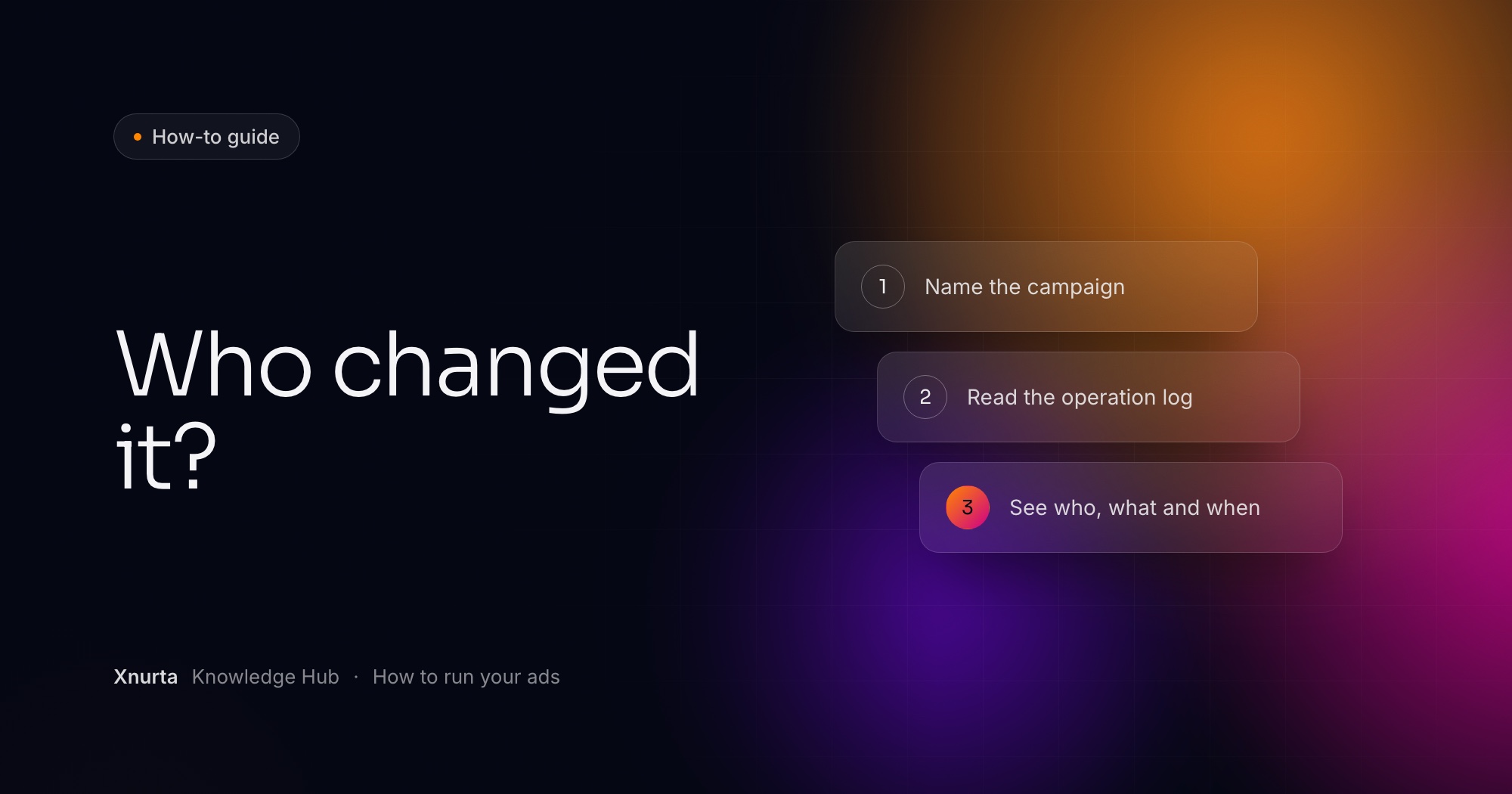
You name the account and the campaign, set a time window, and ask for every action in it. Four moves, in order:
You filter by operator. The operator can be the AI, a human, an automation rule, or one named user's email. That is the whole point of a log you can ask questions: the answer to "was that us?" stops being a guess.
You ask for campaigns with a problem and no log entries. A campaign that bleeds money while nobody has acted on it is a different story from one somebody tweaked on Thursday. The first needs an owner. The second needs a conversation.
About 15 months for performance data and logs. The data follows the Xnurta platform's update cadence, so treat it as current to the platform's last refresh, not to the second.
Check three things before you doubt the log. First, the ad account: you see only accounts your own Xnurta login can access, main accounts and sub-accounts included. Second, the window: a change from sixteen months ago is out of reach. Third, the filters: if you asked for human actions and a rule made the change, you get nothing. Ask the assistant which filters it used and widen them.
You decide whether to keep the change, and you stay in control of the next one. Reading the log needs no write access. If write access is on for your account, tell the assistant the value you want and it shows a preview first. Nothing is submitted until you confirm.
Archiving cannot be undone, so pause a campaign if you only want it to stop. To see how Xnurta's AI groups are steered, and what you can change, read Read and change Xnurta's AI levers through MCP.
FAQ
Yes, once you connect Xnurta MCP. The assistant reads the Xnurta operation log, which records human and AI actions on campaigns, ad groups, targets, bids, budgets and managed groups.
Yes. You can filter by operator: the AI, a human, an automation rule, or a specific user's email.
No. Queries on performance, settings and operation logs are read only.
Yes. You can filter by the Amazon advertising entity ID, such as a campaign ID, which helps when campaign names are close.
About 15 months. Data follows the Xnurta platform's update cadence.
Keep going
Xnurta MCP
Xnurta MCP is for Xnurta customers only. Create your MCP connection directly in the Xnurta platform. New to Xnurta? Book a demo and we'll walk through your account with you.