How-to guide
TL;DR
To create Amazon Sponsored Products campaigns from a brief, write the brief once, give it to Claude or ChatGPT connected to Xnurta MCP, and ask for the full structure as a preview before anything exists. This guide is for advertisers and agency operators who build Sponsored Products campaigns by hand and want a faster first draft without giving up the final say. Creation is a write, so it needs the SP campaign creation scope, which is separate from ad-entity editing.
Yes, for Sponsored Products, once Xnurta MCP is connected and write access is on for your account. Xnurta MCP connects Claude, ChatGPT and other MCP clients to your Xnurta data. You describe the campaigns a new product needs, the assistant drafts the structure, and one request creates the whole set.
The brief is where your judgment goes. The assistant does the typing: no clicking through a campaign, an ad group, a target and a negative list for every row. You decide the structure, check the preview, and press go. If you set up connectors for a team, this is also the guide to hand your operators before you switch write access on.
It needs write access with the SP campaign creation scope. Writing comes in three kinds, each with its own permission scope: managed group management, ad-entity editing and SP campaign creation. A scope that edits ads does not necessarily create campaigns, so a connection that can change bids may not be able to build something new.
The access rule
Generally available from 27 Oct for Sponsored Ads. Write access is turned on per account by your CSM.
After your CSM switches on new access, remove the Xnurta connector and add it again, or create a new token with the scope you need. Signing in again on the old connector keeps the old permissions. Then ask the assistant to update your Xnurta skills. Connect Claude or ChatGPT to Xnurta MCP has the steps, and Read-only vs read-write MCP for Amazon advertisers explains which access to start with.
One request covers Sponsored Products campaigns and everything that sits inside them. It is bulk: one request can hold several campaigns, for example one campaign per product line from a list you paste in.
| Part of the structure | What you can ask for |
|---|---|
| Campaigns | Sponsored Products campaigns, each created in the state you ask for, such as paused |
| Budget | A daily budget for each campaign |
| Ad groups | Created together with their campaign |
| Advertised products | The ASINs you name |
| Targeting | Auto targeting, keywords with a match type and bid, product targets |
| Negatives | Negative keywords and negative products |
| Placement bid adjustments | Set per campaign |
| AMC audience | Optional, with a bid uplift |
Xnurta's official skills include one named Amazon SA Campaign Creation. Adding the connector never installs skills, so install them in a new chat before your first brief.
Check that the products are in the ad account and eligible, and that nothing you are about to build already exists. These are reads. They change nothing, and they need no write access.
The assistant can read ASIN details, including title, inventory status and Sponsored Products eligibility, and it can read your existing campaigns, keywords with their match type, status and bid, and negatives. It can also tell you which campaigns already have an audience bound and at what bid uplift. Catch the clash now. If your exact keyword already runs in an older campaign, decide whether you still want a second one before you build it.
Prompt: read-only check before building
In ad account [account name], check these ASINs: [ASIN A], [ASIN B]. For each, show the title, the inventory status and whether it is eligible for Sponsored Products. Then list every existing keyword in the account that matches [keyword 1], [keyword 2] or [keyword 3], with its campaign, match type, status and current bid. If I plan to use AMC audience [audience name], show which campaigns already have an audience bound and at what bid uplift. Change nothing.
A brief names the product, the goal, the money, the targeting and the state, then tells the assistant to show everything before it creates anything. If a field is missing, the assistant has to guess, and guesses on budgets and bids are where new campaigns go wrong.
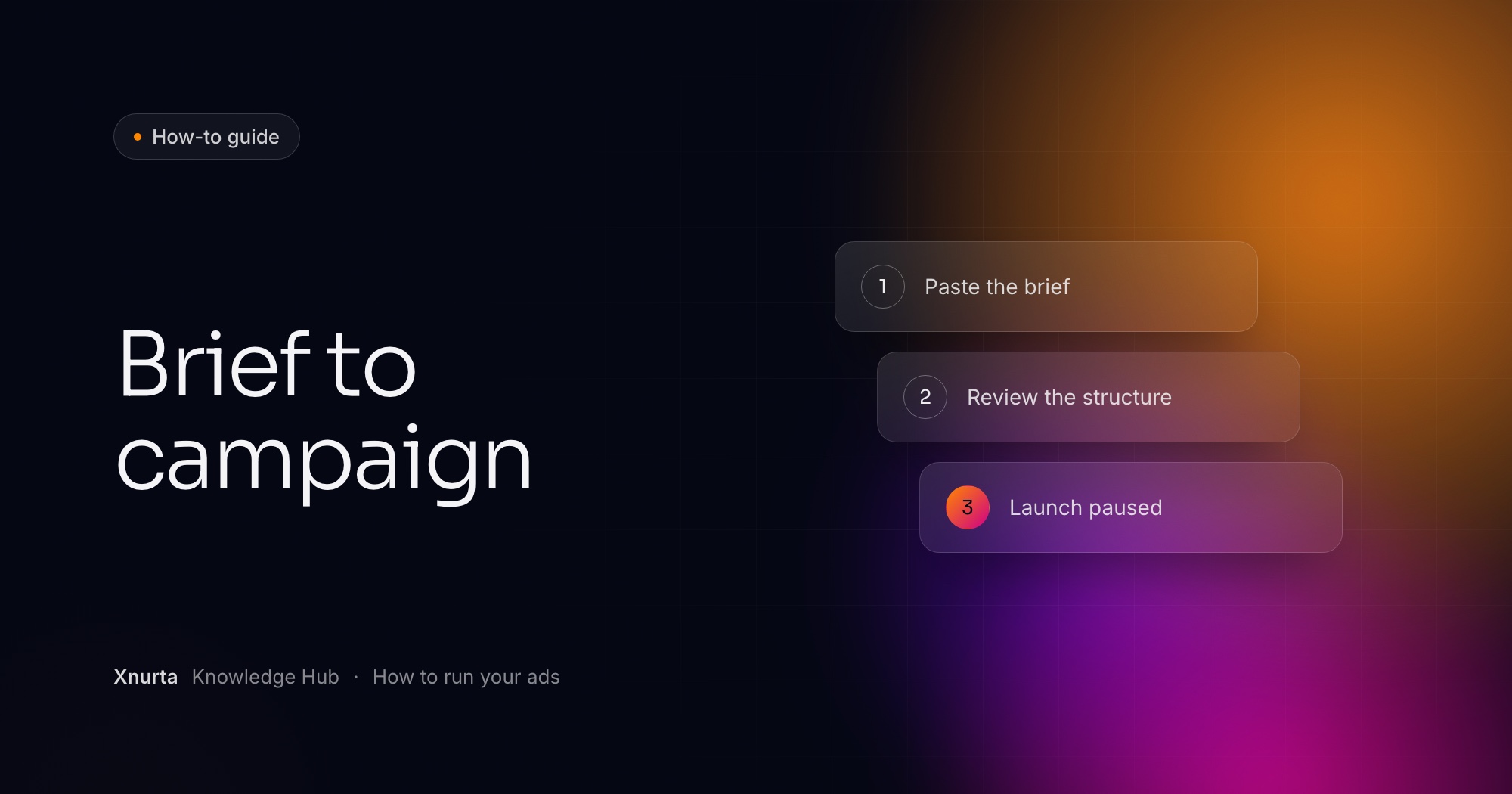
Fill the brackets and send it. Two lines carry the weight: "create everything paused" and "show me the complete structure first." The first sets the state your campaigns are created in. The second gives you the review step before anything is submitted. Anything involving money or bids returns a preview of the objects and the values, and nothing is submitted until you confirm.
Prompt: brief to structure preview
Here is my brief for [product name]. Ad account: [account name].

Products: [ASIN A], [ASIN B].
Goal: [what these campaigns should do first].
Daily budget: [total daily budget], split about [percentages] across the campaigns below.
Campaigns: [one auto campaign], [one exact-match campaign for these keywords: keyword list], [one product-targeting campaign for these ASINs: ASIN list].
Bids: [default bid for each campaign].
Negatives: [negative keywords], [negative ASINs], and my brand as a negative phrase in the non-brand campaigns.
Placement bid adjustments: [which campaigns, which placement, how much].
AMC audience: [audience name and bid uplift, or none].
State: create everything paused.

Show me the complete structure as a table, one row per campaign, with names, budgets, bids, negatives and placement adjustments. Flag anything ambiguous and check that the budgets add up to my total. Don't create anything yet.
Read the preview like a checklist. Do the budgets add up? Does every campaign carry the negatives you listed? Is any placement adjustment bigger than you meant? Change the brief and ask for the preview again until the table matches what is in your head.
Nothing is created. Campaign creation is atomic: if any campaign in the request fails validation, none of them are created, so you never end up with a half-built account. That is the behavior you want. Ask the assistant to explain the error in plain words, change only what the error requires, show you the corrected structure, and wait for your OK before it resubmits the whole set, paused.
Because campaigns are created in the state you ask for, and a campaign you cannot take back should not start spending the moment it exists. There is no way to delete a campaign afterwards. You can only archive it, and archiving is irreversible. A mistake you catch while everything is paused is a fix. A mistake you catch after it has spent is an archive and a rebuild.
Pause is your undo. If you want a campaign to stop, pause it. Do not archive it.
Enabling is a separate step, and it is a campaign state change. State changes belong to ad-entity editing, which has its own permission scope, so check that your access covers it. Xnurta's official skills include one named Amazon SA Ads Edit Tool. Ask for a list first, with state and daily budget, then confirm.
Prompt: enable after review
In ad account [account name], list the campaigns named [name pattern] with their current state and daily budget. After I confirm, enable them.
You read it back and compare it with the brief. The assistant can read campaign settings, keywords, negatives and placement bid adjustments, so ask it to list every difference from what you sent. Then watch the first days with plain read-only questions. Performance data defaults to daily, and Sponsored Products campaign data is available by the hour, which is useful when you want to know whether a new campaign runs out of budget by midday. Keep an hourly window within about a week. Freshness follows the platform's update cadence, not the second.
Prompt: read back the new campaigns
In ad account [account name], read back the campaigns named [name pattern]: name, state, daily budget, targeting type, keywords with match type and bid, negatives and placement bid adjustments. Compare them with my brief and list every difference.
Prompt: first days of delivery
For the campaigns named [name pattern] in ad account [account name], show impressions, clicks, spend and orders by hour for the last [3] days. Which campaigns are not delivering, and which use up their daily budget early?
Prompt: search terms to keep and negate
In the campaigns named [name pattern], which search terms have orders, and which have spend above [amount] with no orders and are not yet negated? Show clicks, orders and ACOS for each.
Once the campaigns have real data, you can bring them under an AI managed group, which is a different permission scope from creation. Read and change Xnurta's AI levers through MCP covers what you can change there. To see who touches these campaigns later, read Who changed my Amazon campaign?. For changes to many campaigns at once, Edit Amazon campaigns in bulk through an AI assistant picks up where this guide stops.
FAQ
Yes, for Sponsored Products, through Xnurta MCP, once write access is on for your account. One request can create campaigns with ad groups, advertised products, targeting, negatives, placement bid adjustments and an optional AMC audience.
None of the campaigns are created. Creation is atomic, so a request either goes in complete or not at all. Fix the problem and resubmit the whole set.
No. Campaigns cannot be deleted, only archived, and archiving is irreversible. Create new campaigns paused, review them, and pause rather than archive anything you might want back.
Yes. Creating Sponsored Products campaigns, editing ads and managing AI managed groups are three kinds of write, each with its own permission scope. A scope that edits ads does not necessarily create campaigns.
Only if you ask for them enabled. Create them paused, review the preview and the read-back, then enable them yourself after you confirm.
Keep going
Xnurta MCP
Xnurta MCP is for Xnurta customers only. Create your MCP connection directly in the Xnurta platform. New to Xnurta? Book a demo and we'll walk through your account with you.