How-to guide
TL;DR
To use ChatGPT for Amazon Sponsored Ads with live data, connect it to Xnurta MCP and ask your questions in the chat instead of exporting and uploading CSVs. ChatGPT then queries your ad accounts when you ask, with hourly data for SP, SB and SD campaigns and about 15 months of history. This guide is for Amazon advertisers who run bids, budgets and search terms every week, and for marketers already using ChatGPT for ad analysis.
Because every CSV is a snapshot, and a snapshot starts aging the moment you download it. You know the loop. Log in, pick a report, set the dates, wait, download, upload to ChatGPT, write the prompt, then re-enter whatever it suggests by hand. Ask "why did ACOS jump?" and the answer often needs a second export. Then a third.
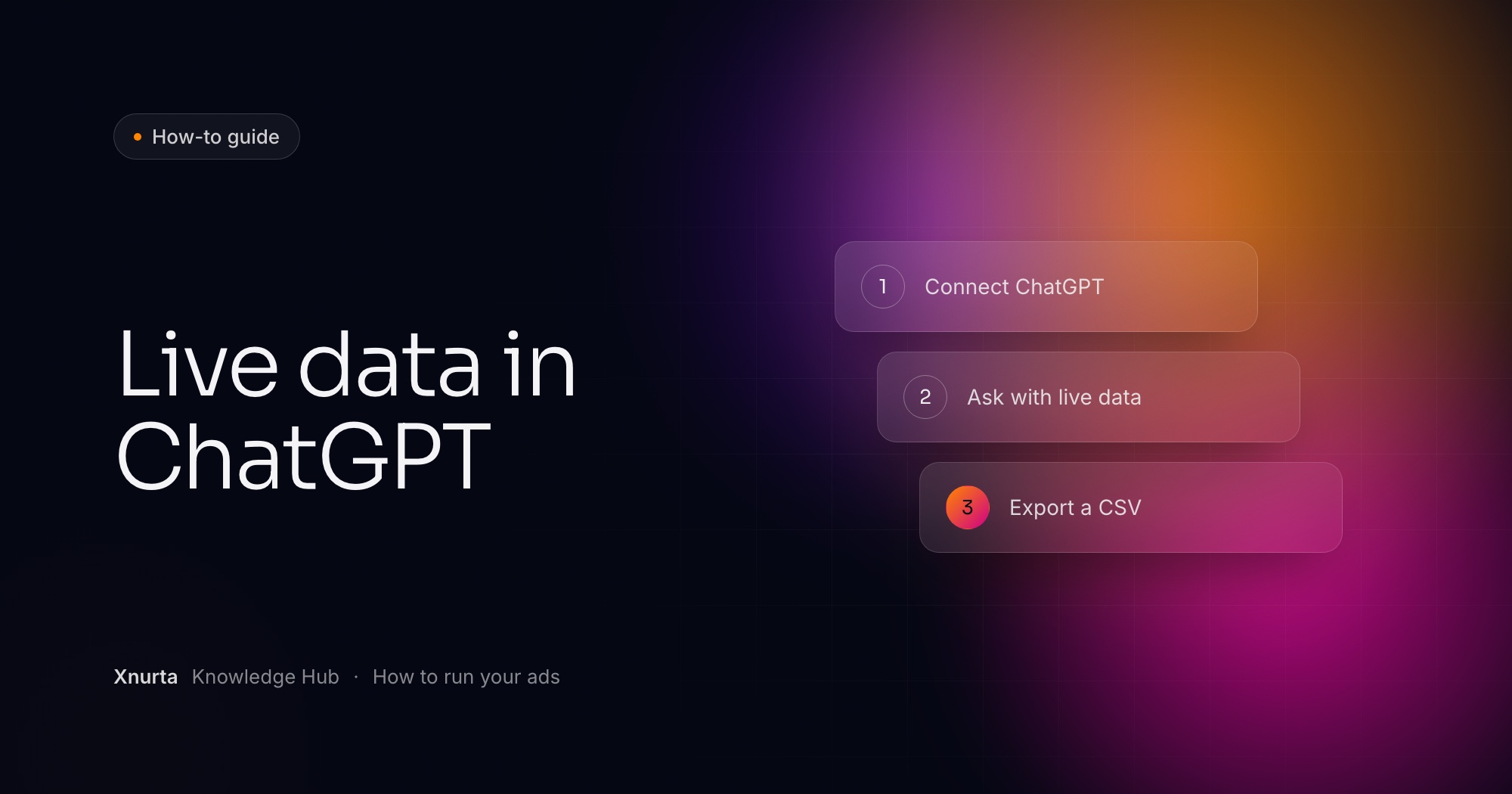
Xnurta MCP connects Claude, ChatGPT and other MCP clients to your Xnurta data. ChatGPT picks the right tool, queries the data and organizes the result. The export, the upload and the re-entry drop out of the loop.
It means ChatGPT asks Xnurta for the numbers at the moment you ask. It does not mean the numbers move second by second, because freshness follows the Xnurta platform's update cadence.
| What you ask about | Finest granularity |
|---|---|
| SP, SB and SD campaign performance | Hourly |
| SP keyword performance | Hourly |
| SP placement performance | Daily |
| Everything else in performance data | Daily by default |
| History for performance and the operation log | About 15 months |
Hourly data comes from Amazon Marketing Stream. Keep an hourly question inside about one week. Campaign performance can also be broken out by audience, and the data covers 22 marketplaces.
You sign in with your own Xnurta login through OAuth, so there is no token to create or store. You see only the ad accounts and permissions that login already carries, main accounts and sub-accounts included.
The endpoint is https://mcp.xnurta.com/mcp. If you use ChatGPT Codex, send it one prompt and it configures the connection itself. Choose OAuth, Sign in or Authenticate when it asks.
Prompt: configure Xnurta MCP in Codex and install the skills
Please read the following GitHub repository and follow its instructions to configure Xnurta MCP and install the Skills: https://github.com/Xnurta/Xnurta-MCP

When authorization is required, open the sign-in page so I can complete the authorization.

After the configuration is complete, call get_user_authorized_context to verify the connection.
Prompt: check the connection
Call get_user_authorized_context and list the ad accounts I'm authorized to access.
In ChatGPT itself, what you can add depends on your plan and workspace. OpenAI describes the steps in its Help Center article Developer mode and MCP apps in ChatGPT. Once Xnurta's authorization page opens, sign in, review the permissions and ad accounts, and approve. Connect Claude or ChatGPT to Xnurta MCP has the full setup, including the token route for clients that can send one.
A good connection returns your user ID and your authorized ad accounts. If it does not, Xnurta MCP troubleshooting matches the error to the fix.
Start with the questions a CSV makes slow, and put three things in every one: the ad account by name, a time window, and a comparison. "Last 7 days vs the prior 7" turns raw numbers into a conclusion. Say what shape you want back too, such as a table, a top-five list or a one-line takeaway.
Prompt: morning check across ad accounts
List all ad accounts I am authorized to access. How did each one perform yesterday? Identify the five issues that need the most attention and support each one with data.
Prompt: search terms to scale and negate (read only)
Which search terms performed well for ad account [account name] over the last 30 days? Show CTR, CVR, ACOS and orders. Which terms deserve more investment, and which high-ACOS, low-conversion terms should be negated?
Prompt: diagnose an ACOS jump
Campaign [campaign name]'s ACOS increased from [X]% to [Y]% over the last 7 days. Analyze the causes across budget, bids, targeting and structure. Recommend specific actions to lower ACOS and increase orders.
Then follow up in the same chat. Ask "why did impressions decline?" and then "what specific changes should I make?" Start broad, drill down, repeat. That beats cramming everything into one giant question.
If the Xnurta skills are installed, you can skip the prompt writing for routine work. Say "Give me last week's ads report" and the Weekly Ads Report skill returns week-over-week KPIs, 7-day trends, anomalies, AI and automation activity, top movers and suggested actions for next week. Product Diagnosis and Ads Structure Analysis work the same way.
You paste them into the chat and ask ChatGPT to join them with the ad data. Unit margin and goals are not in your ad data, and the platform alone cannot calculate with them.
Prompt: which campaigns lose money after margin
Here is the unit margin for each ASIN in product line [name]: [paste your data]. Based on actual margin, which campaigns are losing money, and should I cut them or increase their budgets?
Prompt: work backward from a TACOS goal
My goal is to keep TACOS below [12]% for ad account [account name]. Pull the last 30 days of data, identify which product lines are increasing TACOS, and prioritize the adjustments.
Do you still need a CSV? Sometimes finance wants a file. Ask the assistant to export the analysis to CSV or Excel at the end, so the file becomes an output and not your starting point. Cross-analyze Amazon Ads with your own data in one prompt goes deeper on joining outside data.
Only if write access is on for your Xnurta account, and you stay in control at three points. There are three kinds of write, each with its own permission scope, so a scope that edits ads does not necessarily create campaigns.
| Kind of write | What it covers |
|---|---|
| Managed group management | Create, edit or delete AI managed groups, switch AI on or off, set target ACOS, goal, personality and action spaces, and change which campaigns belong to a group. |
| Ad-entity editing | Campaign state, budget and bidding strategy, products, negatives, keyword and product targets with state and bid, and placement and audience bid adjustments. |
| Campaign creation | Sponsored Products campaigns with ad groups, products, targeting, negatives, placement bid adjustments and an optional AMC audience, in one atomic request. |
The access rule
Generally available from 27 Oct for Sponsored Ads. Write access is turned on per account by your CSM.
First control: the preview. Anything involving money, bids or archiving is never executed straight away. The assistant returns which objects will change and from which value to which value, and submits only after you confirm. Ask for the same preview on every other write too.
Second: creation is atomic. If one campaign in a request fails validation, none are created, so you never end up with a half-built account. Ask for the full structure first and create campaigns paused if you want to review before they spend.
Third: some actions cannot be undone. Archiving is irreversible, deleting a managed group archives it, and campaigns cannot be deleted at all. Pause when you only want something to stop. Read-only vs read-write MCP for Amazon advertisers explains which access to start with.
You ask for the operation log. It holds human and AI actions on campaigns, ad groups, targets, bids, budgets and managed groups, and you can filter by operator: the AI, a human, an automation rule or one user's email. Try "Who changed campaign [campaign name]'s budget, and when? List all human actions from the last 30 days." Reading the log is read only.
Who changed my Amazon campaign? walks through the filters. To see how Xnurta's AI groups are steered, read Read and change Xnurta's AI levers through MCP.
Four are worth knowing. Hourly questions work best inside about one week. History reaches back about 15 months. Brand, non-brand and competitor mode, and every word-list feature, stay in the Xnurta platform and cannot be written through MCP. And what ChatGPT lets you add, including whether your workspace admin allows it, is decided by OpenAI and your workspace, not by Xnurta.
After your CSM turns on write access, remove the Xnurta connector and add it again, or create a new token. Signing in again on the old connector keeps the old permissions. Then ask the assistant to update your Xnurta skills.
FAQ
Yes, once it is connected to Xnurta MCP. ChatGPT queries your ad accounts at the moment you ask, using only the ad accounts and permissions your Xnurta login carries.
Rarely for analysis. If you need a file, ask the assistant to export the analysis to CSV or Excel at the end of the chat.
It is current at question time, not second by second. Campaign data for SP, SB and SD and SP keyword data are hourly, other performance data is daily by default, and freshness follows the Xnurta platform's update cadence.
Only if write access is turned on for your account. Changes to money, bids or archiving show a preview of old and new values first, and nothing is submitted until you confirm.
Not with OAuth sign-in, which uses your own Xnurta login. A token is an alternative for clients that can send one, such as Codex.
That depends on your plan and workspace settings, which OpenAI controls. Check OpenAI's Help Center article on developer mode and MCP apps before you start.
Keep going
Xnurta MCP
Xnurta MCP is for Xnurta customers only. Create your MCP connection directly in the Xnurta platform. New to Xnurta? Book a demo and we'll walk through your account with you.

![Xnurta Knowledge Hub cover: "Top 10 prompts" on a dark navy gradient, with a prompt card: "Find budget-capped campaigns and raise their daily budget by [20%]."](https://cdn.prod.website-files.com/69cac67d7d69a93990fefc1b/6adff5e5c9adbf62e4578f17_6adff53e176f08de2f0823bd_kh-cover-10-top-10-xnurta-mcp-prompts.jpeg)