Explainer
TL;DR
Not on its own. Claude with no connection cannot see your ad data, but connected through Xnurta MCP it reads your Xnurta data and, where write access is on, changes your account, with a preview and your confirmation first for anything involving money, bids or archiving. This guide is for hands-on advertisers who already use Claude or ChatGPT for ad analysis and want to know what stays in their control.
No. Claude on its own cannot see your ad data, so it cannot tell you which campaigns drifted or change a single bid. Ask it cold and you get general advice, not an answer about your account.
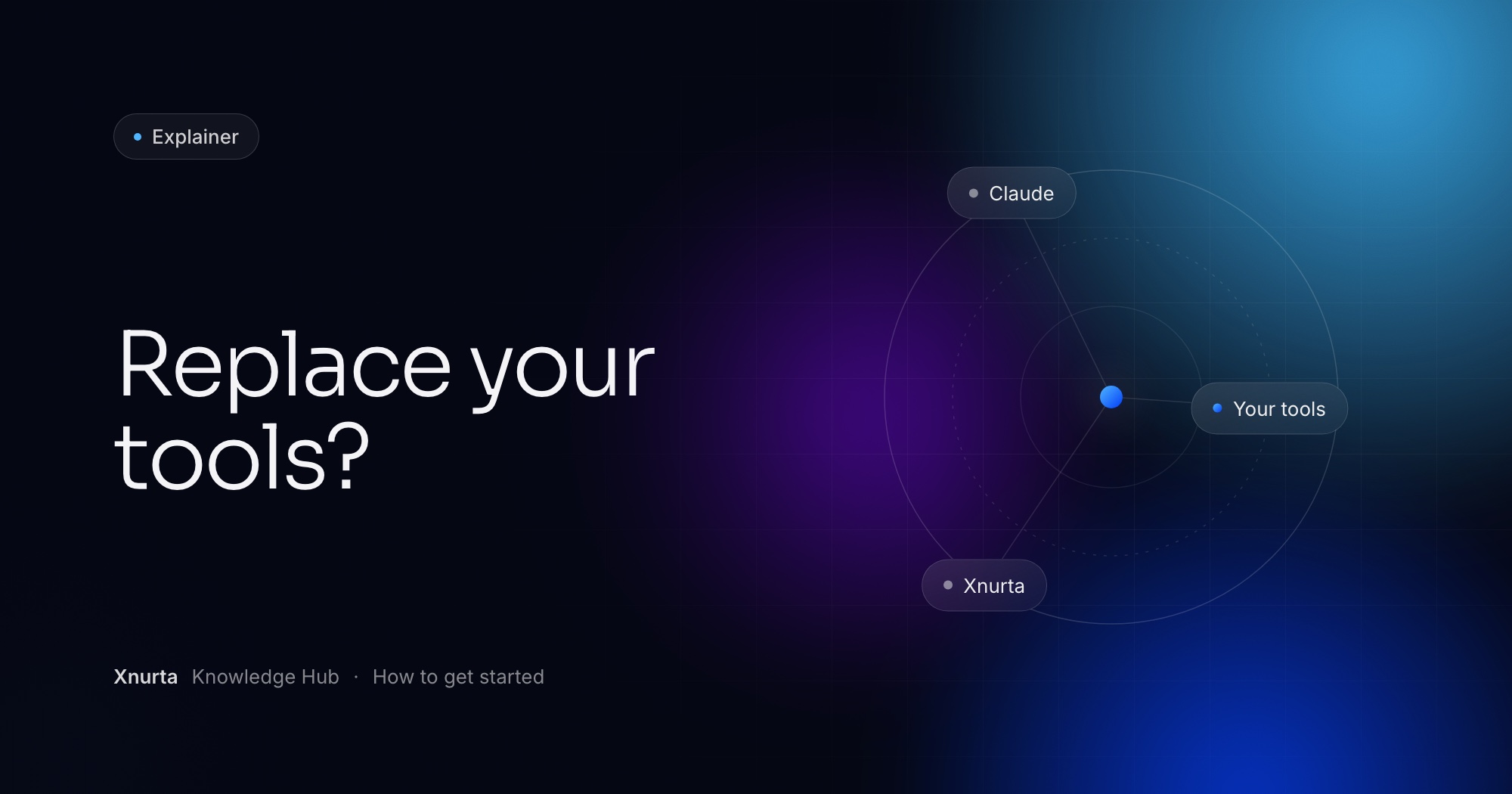
The gap is a connection, and that is what MCP supplies. MCP is a standard way for an AI assistant to call tools in another system. The assistant asks, the system answers, and the assistant turns the answer into plain language. Once that connection exists, the question changes from "can an AI do this?" to "what can it reach, and who approves what it does?" The rest of this guide answers that second question.
It gains three read tools for your Xnurta data and, where write access is on, three kinds of write. Xnurta MCP connects Claude, ChatGPT and other MCP clients to your Xnurta data. In Claude desktop, Cowork or claude.ai, you add https://mcp.xnurta.com/mcp as a custom connector, sign in with your own Xnurta login and approve the requested permissions. The setup steps live in Connect Claude or ChatGPT to Xnurta MCP.
Your login sets the boundary. The assistant sees only the ad accounts and permissions that login carries, main accounts and sub-accounts included.
| What the assistant does | Does it change your account? | Your control |
|---|---|---|
| Reads ad performance, entity settings and the operation log | No. Queries are read only. | Limited to the ad accounts your login carries |
| Manages AI managed groups | Yes, where write access is on | Its own permission scope. Ask it to show the changes first, then confirm. |
| Edits ads: state, budgets, bids, keywords, negatives | Yes, where write access is on | Its own permission scope. Money, bid and archive changes return a preview. Confirm before it runs. |
| Creates Sponsored Products campaigns | Yes, where write access is on | Its own permission scope. Review the full structure first. |
It reads ad performance, entity settings and the operation log, and reading never modifies your account. Those are the three query tools, and every query is read only.
Performance data reaches back about 15 months across 22 marketplaces. It arrives daily by default, and hourly for Sponsored Products, Sponsored Brands and Sponsored Display campaigns and Sponsored Products keywords. Campaign performance can also be broken out by audience. Freshness follows the Xnurta platform's update cadence, so it is current to the last refresh, not to the second.
This is the part that does the work of a stack of dashboards. Skills such as Weekly Ads Report, Monthly Ads Report, Product Diagnosis, Search Term Traffic Diagnosis and Ads Structure Analysis teach the assistant the routine for each report, so you ask once instead of rebuilding the pull every Monday.
Prompt: a read-only check
In ad account [account name], rank last week's campaigns by ACOS. Show spend, sales and orders for each, and flag the five that need attention. Change nothing.
It can manage AI managed groups, edit ads and create Sponsored Products campaigns, and anything touching money, bids or archiving needs your confirmation first. These are three kinds of write, each with its own permission scope. A scope that lets the assistant edit ads does not necessarily let it create campaigns.
For money, bids and archiving, the assistant returns a preview before it acts. The preview lists the objects it will touch and the old value next to the new one. It submits only after you confirm. You can also tell it up front to wait for you.
Prompt: a budget change with a preview
In ad account [account name], raise the daily budget on [campaign A], [campaign B] and [campaign C] by [10]%. Before you submit anything, list each campaign with its current budget and the new budget, then wait for me to confirm.
Write access is not on by default. It has to be switched on for your account, and the rule sits here so there is no guessing.
The access rule
Generally available from 27 Oct for Sponsored Ads. Write access is turned on per account by your CSM.
You ask the assistant for the operation log. It holds human and AI actions on campaigns, ad groups, targets, bids, budgets and managed groups, and you can filter it by operator (AI, human, automation rule or one person's email), by action type and by Amazon entity ID.
So the question "who changed this?" gets an answer from a record instead of a guess. Who changed my Amazon campaign? walks through the filters with worked prompts. The log reaches back about 15 months.
Prompt: a weekly change review
In ad account [account name], list every action from the last [7] days with the operator, the action type and the time. Group the list by operator, and call out any budget or bid change.
You decline at the preview, you tell the assistant a different value, or you choose a gentler action. Nothing at the preview stage has touched your account yet, so saying no leaves everything as it was.
A few habits keep you in charge:
Permissions work as a second brake. An MCP token carries the scope you picked when you created it, and a connection made before your access changed does not pick up the new permissions. Remove the connector and add it again, then update the skills, so the assistant works with what you meant to allow.
It does not set your strategy, and some things stay in the Xnurta platform. It gives you a plain-language way to ask questions and act, and the decisions stay with you.
A few boundaries are worth knowing. Brand, non-brand and competitor mode, plus every word-list feature, stay in the platform UI and cannot be changed through MCP. Campaign creation covers Sponsored Products campaigns with their ad groups, products, targeting, negatives and placement bid adjustments. The assistant works from Xnurta data, so the useful work often starts when you add your own margins and goals and ask which campaigns lose money once those are counted.
If you run bids, budgets and search terms every week, that is where it fits: the reading and the first draft of the change are the assistant's job, and the confirmation is yours. When you are ready to see it work, start with Read-only vs read-write MCP for Amazon advertisers to decide how much access to switch on. If you are still weighing MCP against an API or a dashboard, MCP vs API vs dashboard for retail media teams covers that choice.
FAQ
No. Claude on its own cannot see your ad accounts or change them. Connected through Xnurta MCP, it reads your Xnurta data and, where write access is on, edits it, with a preview and your confirmation for anything involving money, bids or archiving.
For money, bids and archiving, no. The assistant returns a preview with the objects and the old and new values, and submits only after you confirm. Write access is also turned on per account by your CSM, so it is not on by default.
No. Campaigns cannot be deleted, only archived, and archiving is irreversible. Pause a campaign if you only want it to stop.
Yes, Sponsored Products campaigns, with ad groups, products, targeting, negatives, placement bid adjustments and an optional AMC audience, in one atomic request. Ask for the full structure first and create the campaigns paused.
Only the ones your own Xnurta login can access, main accounts and sub-accounts included. Adding the connector for a whole Claude organization does not widen anyone's access.
Keep going
Xnurta MCP
Xnurta MCP is for Xnurta customers only. Create your MCP connection directly in the Xnurta platform. New to Xnurta? Book a demo and we'll walk through your account with you.